 seolounge

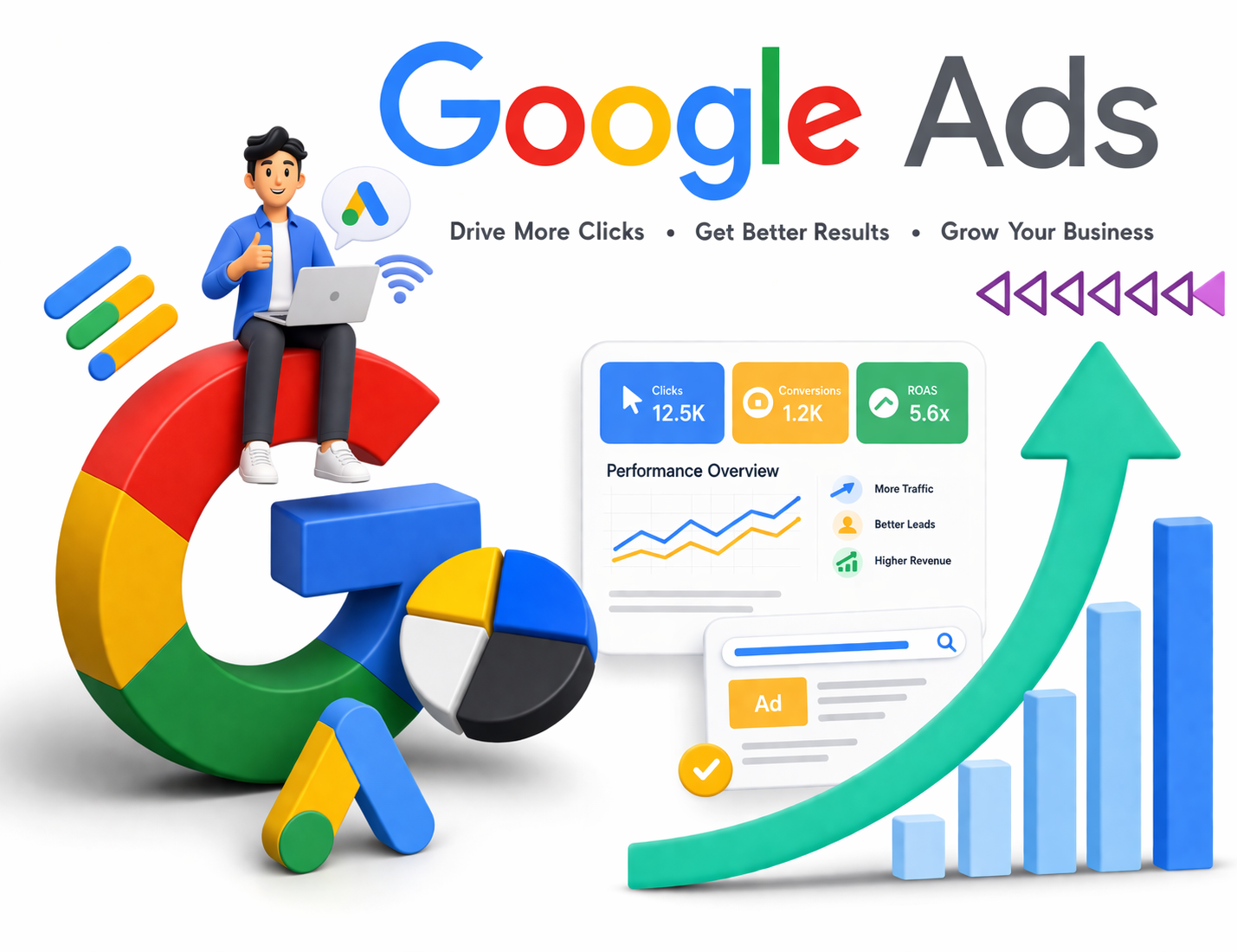
Running Google Ads often begins with high expectations. You create your campaigns using a Google Ads account, explore tools like Google Ads Manager or an ad manager, and launch your first set of ads, hoping to generate leads or sales. At first, the clicks start coming in, which feels promising. However, many businesses quickly realize that traffic alone does not guarantee results.
Despite investing in Google search ads, conversions often remain low. This is where the real challenge begins.
It is important to understand that Google Ads is not just about visibility – it is about reaching the right audience with the right intent at the right time. When campaigns fail to convert, the issue usually lies in strategy, execution, or optimization.
Industry data suggests that the average conversion rate for Google Ads ranges between 2% to 5%, while well-optimized campaigns can exceed 10%. This gap clearly shows that success depends on how effectively your campaigns are managed.
Understanding the Difference Between Traffic and Conversions.
Many businesses assume that once they start running ads, conversions will automatically follow. However, there is a clear difference between attracting visitors and converting them into customers.
A successful campaign depends on multiple elements working together:
- Targeting
- Keywords
- Ad copy
- Landing page
- Offer
If even one of these elements is weak, your campaign performance suffers – no matter how well your Google ads for business setup looks.
Key Reasons Why Your Google Ads Are Not Converting
1. You Are Targeting the Wrong Audience
When your ads reach people who are not interested, conversions become unlikely.
Using broad targeting in your Google ads account often leads to irrelevant clicks. While impressions may increase, actual results decline.
To improve:
- Focus on niche and long-tail keywords
- Refine geographic targeting
- Use audience segmentation
This is especially important for Google ads for small businesses, where budgets are limited and every click matters.
2. Poor Keyword Strategy
Keywords are the foundation of your campaign. If they are not aligned with user intent, conversions will suffer.
Many advertisers rely on generic terms instead of using tools like the Google Ads Keyword Planner to identify high-intent keywords.
For example:
- “digital marketing” → broad and informational
- “hire digital marketing agency near me” → high intent
High-intent keywords can generate 2–3 times more conversions than general keywords.
3. Confusion Between Google Ads and Google AdSense
One common mistake businesses make is misunderstanding the difference between Google AdSense and Google Ads.
- Google Ads: Used to run paid campaigns and generate leads
- Google AdSense: Used to earn revenue by displaying ads on your website
If your goal is to generate leads or sales, relying on strategies meant to make money with Google Ads through AdSense can lead to confusion and poor results.
Clarity in your objective is essential for better conversions.
4. Weak or Generic Ad Copy
Your ad is your first interaction with the customer. If it fails to stand out, users will either ignore it or click without strong intent.
Common mistakes:
- Generic headlines
- No clear value proposition
- Weak call-to-action
Improve your ads by:
- Highlighting clear benefits
- Adding urgency (limited-time offers)
- Using strong CTAs like “Get a Free Quote”
A well-written ad significantly improves the performance of your Google search ads.
5. Landing Page Issues
Even if your ads are performing well, your landing page can break the conversion journey.
Studies show that over 70% of users leave a page within a few seconds if it is slow or irrelevant.
Common issues include:
- Slow loading speed
- Poor design
- Lack of clarity
- Mismatch between ad and landing page
A good landing page should:
- Load in under 3 seconds
- Match your ad message
- Focus on one clear goal
6. Lack of Proper Tracking
Running ads without tracking is like operating in the dark.
Many businesses fail to properly monitor conversions within their Google ads account, making it difficult to understand what is working.
To fix this:
- Set up conversion tracking
- Monitor key metrics (leads, calls, purchases)
- Optimize campaigns based on data
Businesses that use proper tracking see 20–30% better ROI on average.
7. Missing Negative Keywords
Without negative keywords, your ads may appear for irrelevant searches, wasting budget.
For example:
- “free services”
- “cheap tools”
- “DIY marketing”
Adding negative keywords helps:
- Improve targeting
- Reduce wasted clicks
- Increase conversion rates
This is a simple but powerful optimization within any ad manager setup.
8. Budget and Bidding Problems
Your campaign performance is also influenced by how you allocate your budget.
- Low budgets limit reach
- Incorrect bidding reduces visibility
Optimizing your bidding strategy can improve conversions by 15–25%.
Instead of focusing only on traffic, businesses should focus on maximizing the value of each click, especially when running Google ads for small business campaigns.
9. Lack of Testing and Optimization
Google Ads is not a one-time setup. Campaigns need continuous monitoring and improvement.
You should regularly test:
- Headlines
- Ad descriptions
- CTAs
- Landing pages
Even small changes can significantly improve results over time.
10. Your Offer Is Not Competitive
No matter how well your campaign is structured, a weak offer will limit conversions.
Users compare multiple options before making a decision. If your value proposition is unclear or less attractive, they will move on.
Strengthen your offer by:
- Providing free consultations
- Offering limited-time deals
- Highlighting unique benefits
Final Thoughts
If your Google Ads are not converting, the issue is usually a mix of targeting, messaging, and user experience.
To improve results, focus on:
- Reaching the right audience
- Using intent-driven keywords with Google Ads Keyword Planner
- Writing strong ad copy
- Optimizing landing pages
- Tracking performance
With the right strategy, Google Ads for business can become a consistent growth channel. With expert support from Cronico Digital Pvt. Ltd., businesses can optimize their Google Ads account, improve Google search ads performance, and build smarter strategies to make money with Google Ads—especially for Google Ads for small businesses.
Quick Action Points
- Optimize your Google Ads account setup
- Use Google Ads Manager for better campaign control
- Focus on high-intent keywords
- Improve ad copy and landing pages
- Add negative keywords
- Continuously test and optimize
